Prompt to scene
Start with a short idea, character, product angle, or story beat, then generate a video direction from text.

VideoGPT helps creators turn a prompt into a short video plan, visual style, voice direction, music cue, and export-ready mobile draft from one focused creation flow.


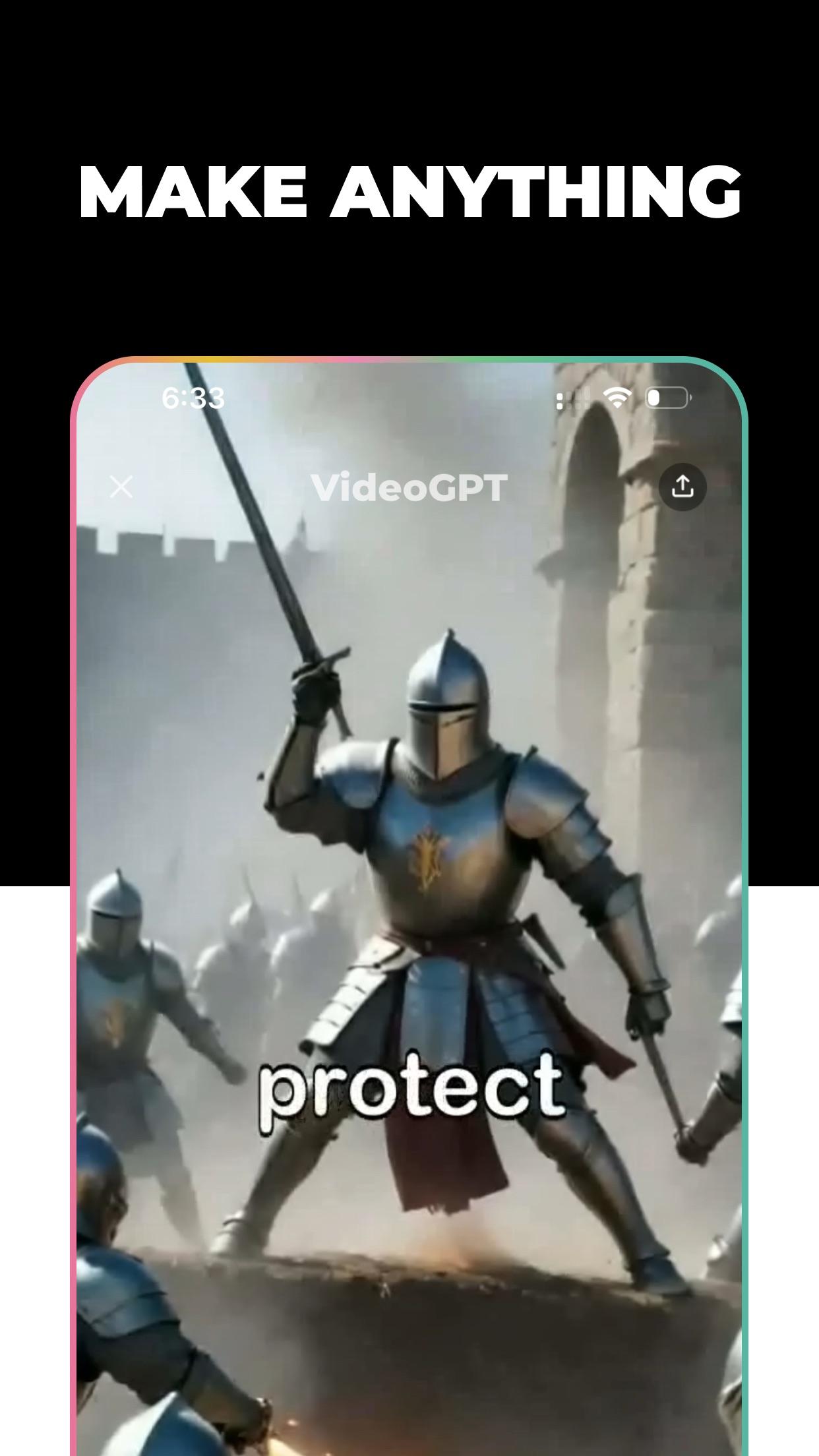
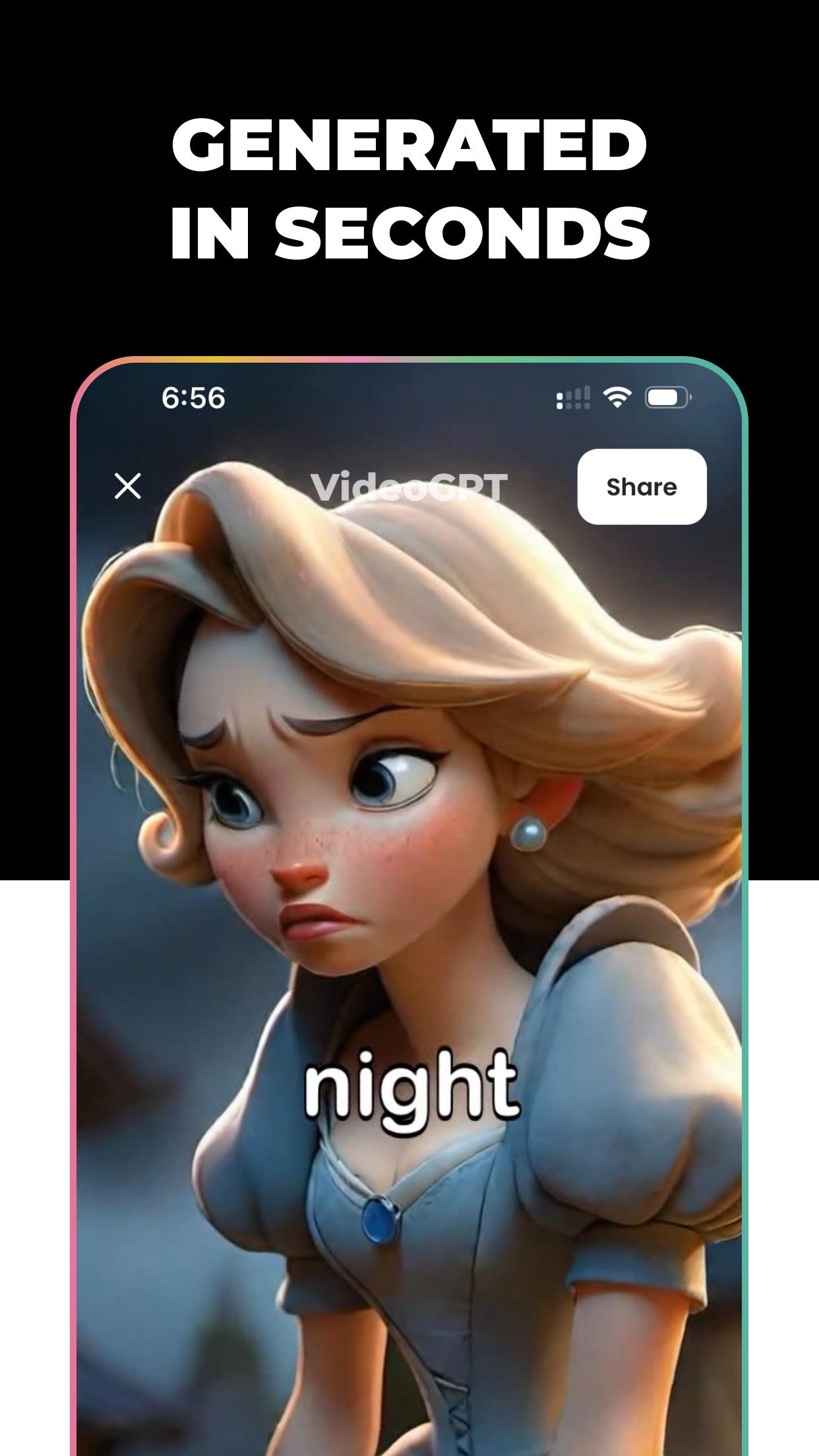
Choose a visual language, add a sound direction, then review the generated story before publishing.
Style stack
Start with a short idea, character, product angle, or story beat, then generate a video direction from text.
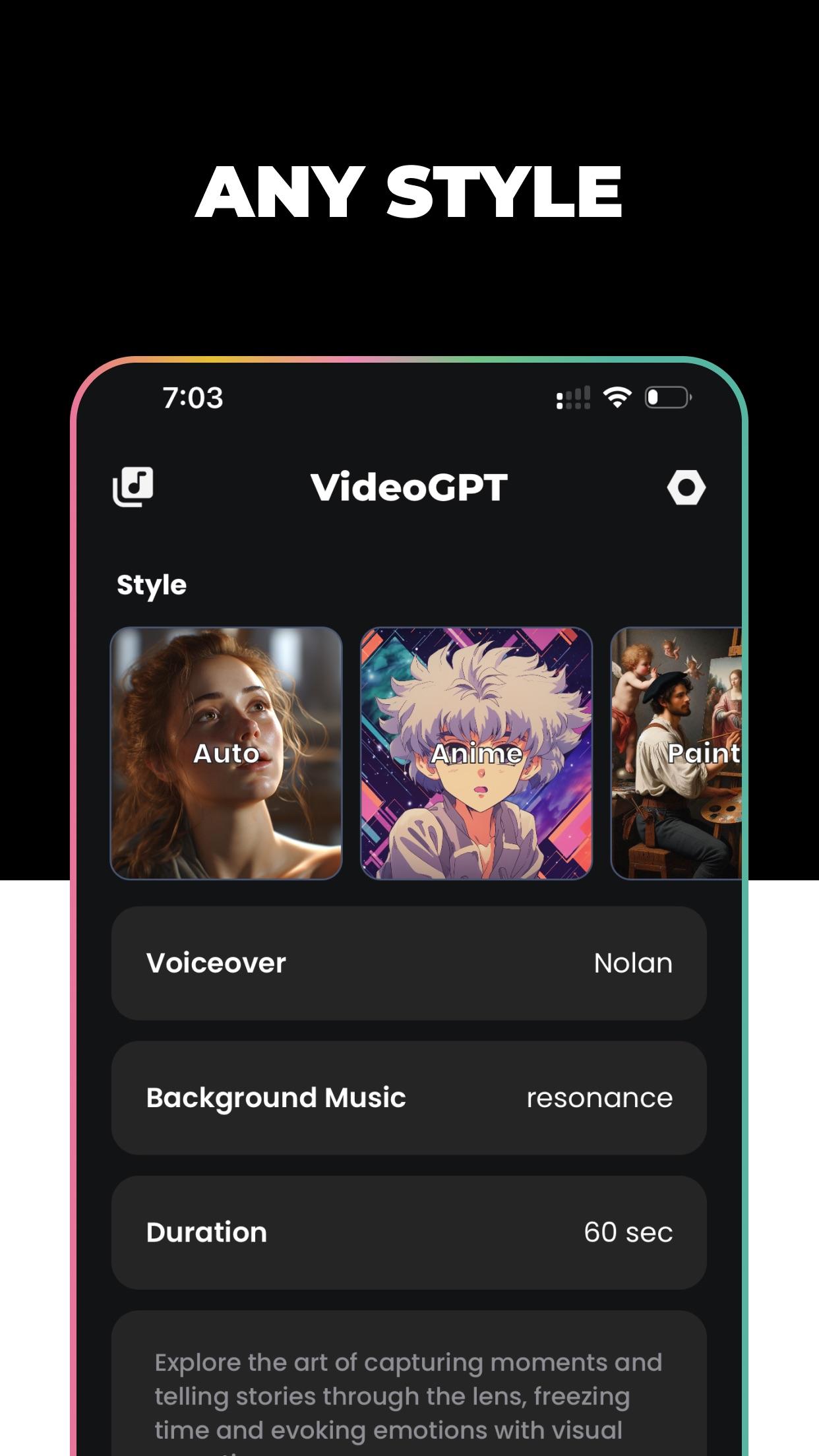
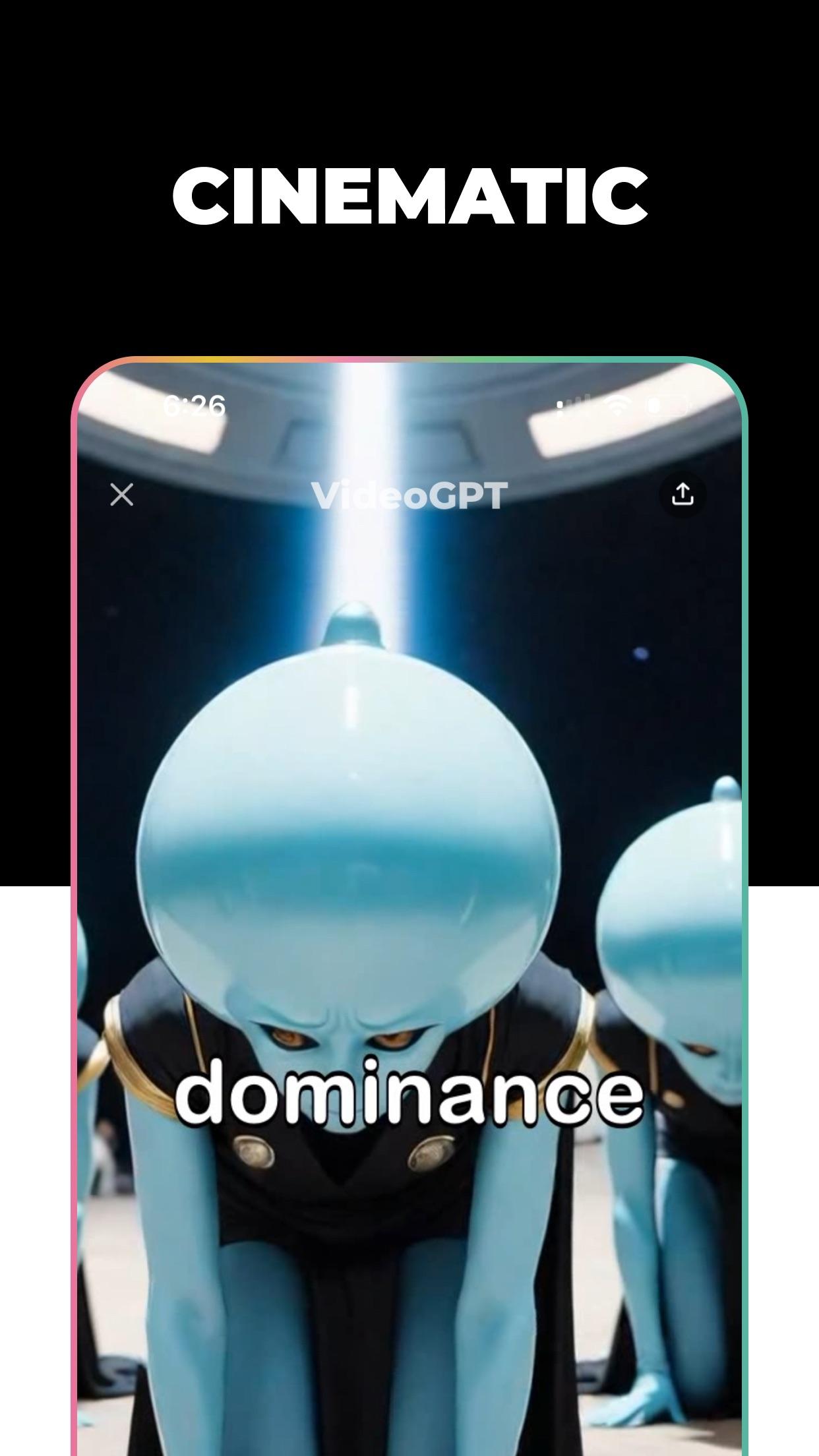
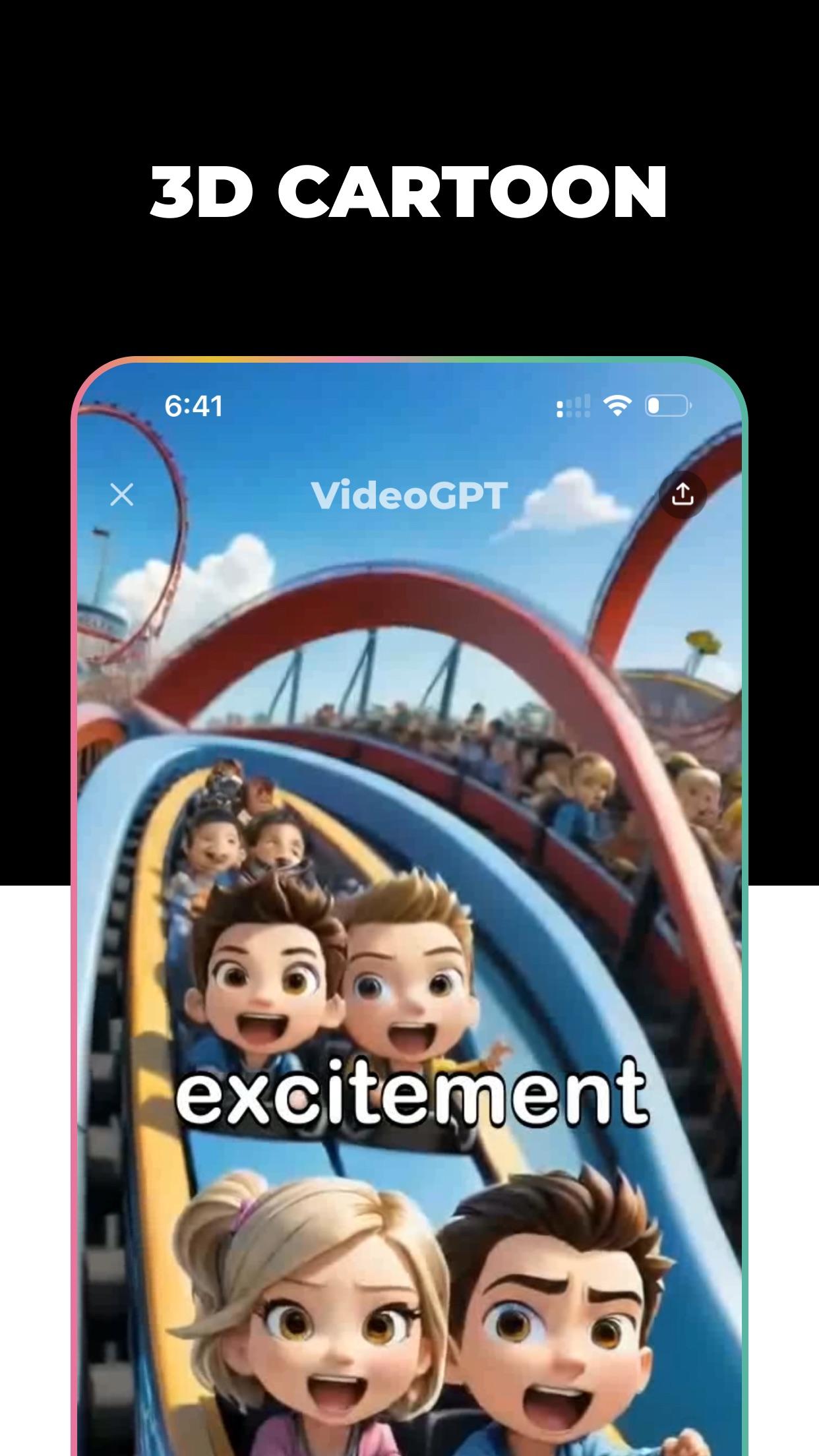
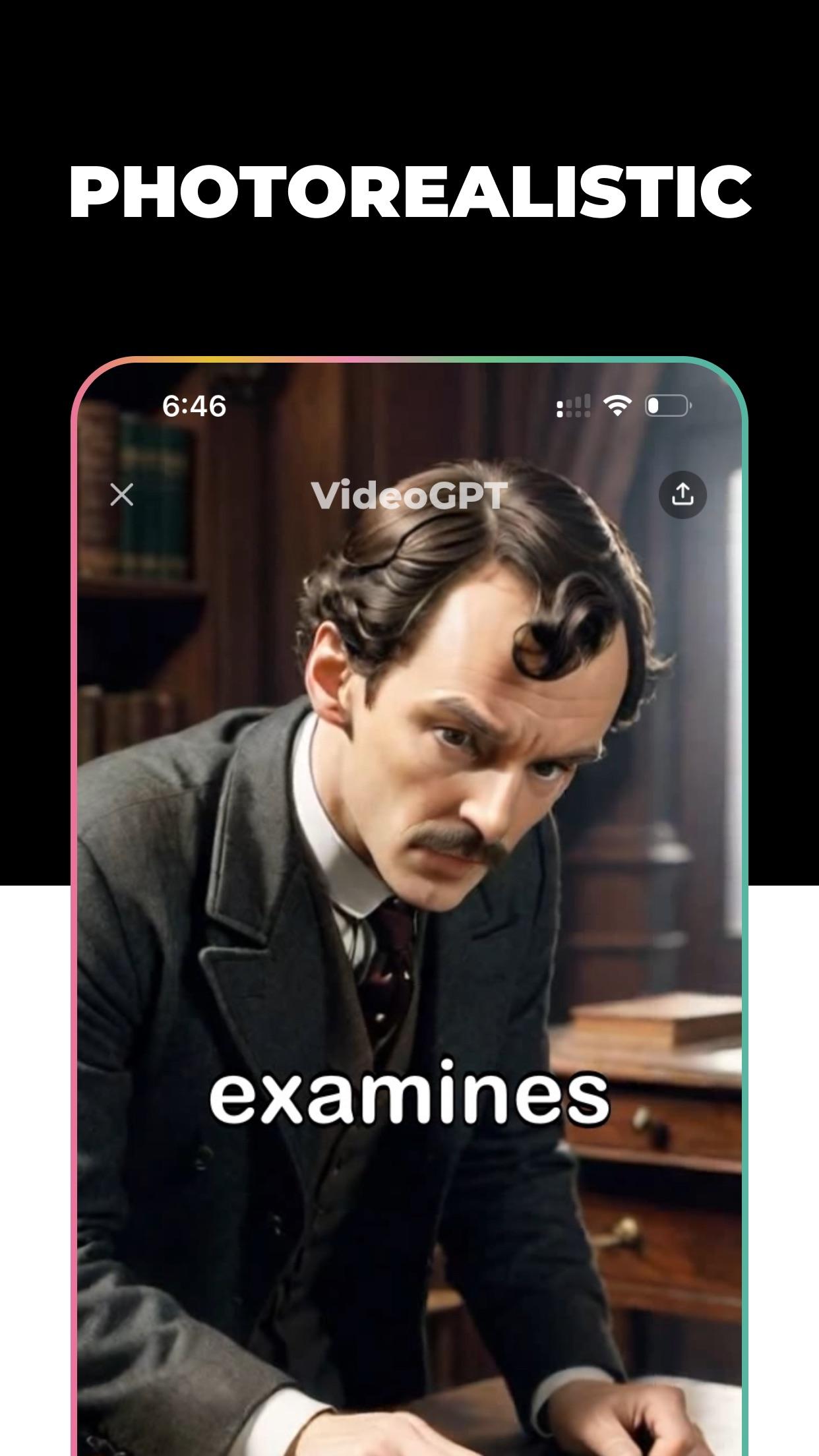
Explore different visual treatments so a concept can feel like a trailer, a sketch, a social clip, or a stylized short.
Add narration and background music to give generated clips a clearer pace, mood, and publishing intent.
Use character-focused tools when a recurring creator, narrator, or fictional lead needs visual consistency.
Release map
The page keeps the workflow visible without pretending the app replaces creative judgment. Review prompts, check generated output, and publish only content you have the right to use.
Give the app a direct concept, audience, subject, or moment. Better prompts make cleaner creative decisions.
Pick a visual style and adjust the story direction before generation so the output has a recognizable point of view.
Watch the generated result, check captions, sound, likeness rights, and any claims before using the video elsewhere.
Export clips for social channels, campaigns, explainers, or experiments while following platform and copyright rules.
Creator routes
Build bite-sized story concepts, visual hooks, anime scenes, or character-led ideas without opening a desktop editor.
Turn a product angle into a fast visual draft that can guide ads, social posts, landing-page tests, or creator briefs.
Create narration-led clips, educational shorts, and repeatable visual formats for accounts that publish frequently.
Try several moods and formats before committing budget to a larger shoot, animation pass, or post-production workflow.
Trust desk
FAQ preview
VideoGPT is an AI video generator that turns text prompts into short video stories, with options for visual style, voiceover, music, and mobile exporting.
The App Store and Google Play listings show VideoGPT as free with in-app purchases. Current pricing, trials, and subscription terms are shown in the store purchase flow before confirmation.
Subscriptions and refunds are handled by the store used for purchase. Use Apple ID subscription settings for App Store purchases or Google Play payments and subscriptions for Google Play purchases.